Navigate and Analyze Performance Scorecards in NexaEra
Want to see how each of your AI agents is really performing — side by side? The Scorecard gives every agent its own report card: tasks handled, success rate, speed, and cost. Let me show you how to read it.
Written By Fred Yalmeh
Last updated About 2 months ago
Go to www.nexaera.com
1. Introduction
In this video, you'll open the Agent Scorecard, learn what each metric means, filter by date, refresh the data, and drill into a single agent's detailed breakdown. Let's get started.
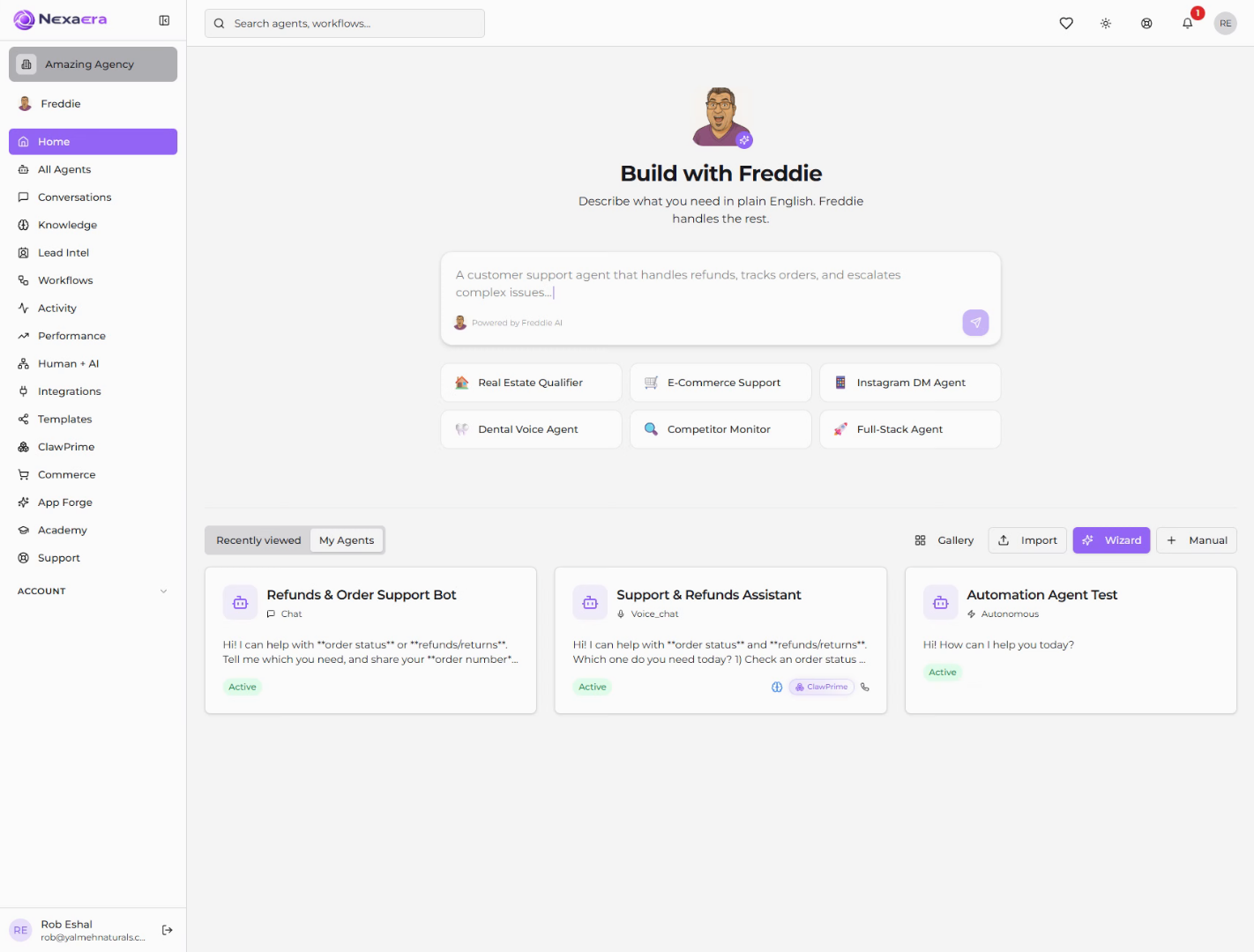
2. Access Performance Section
Start on the left sidebar and click "Performance." This is where all of your agent metrics live.
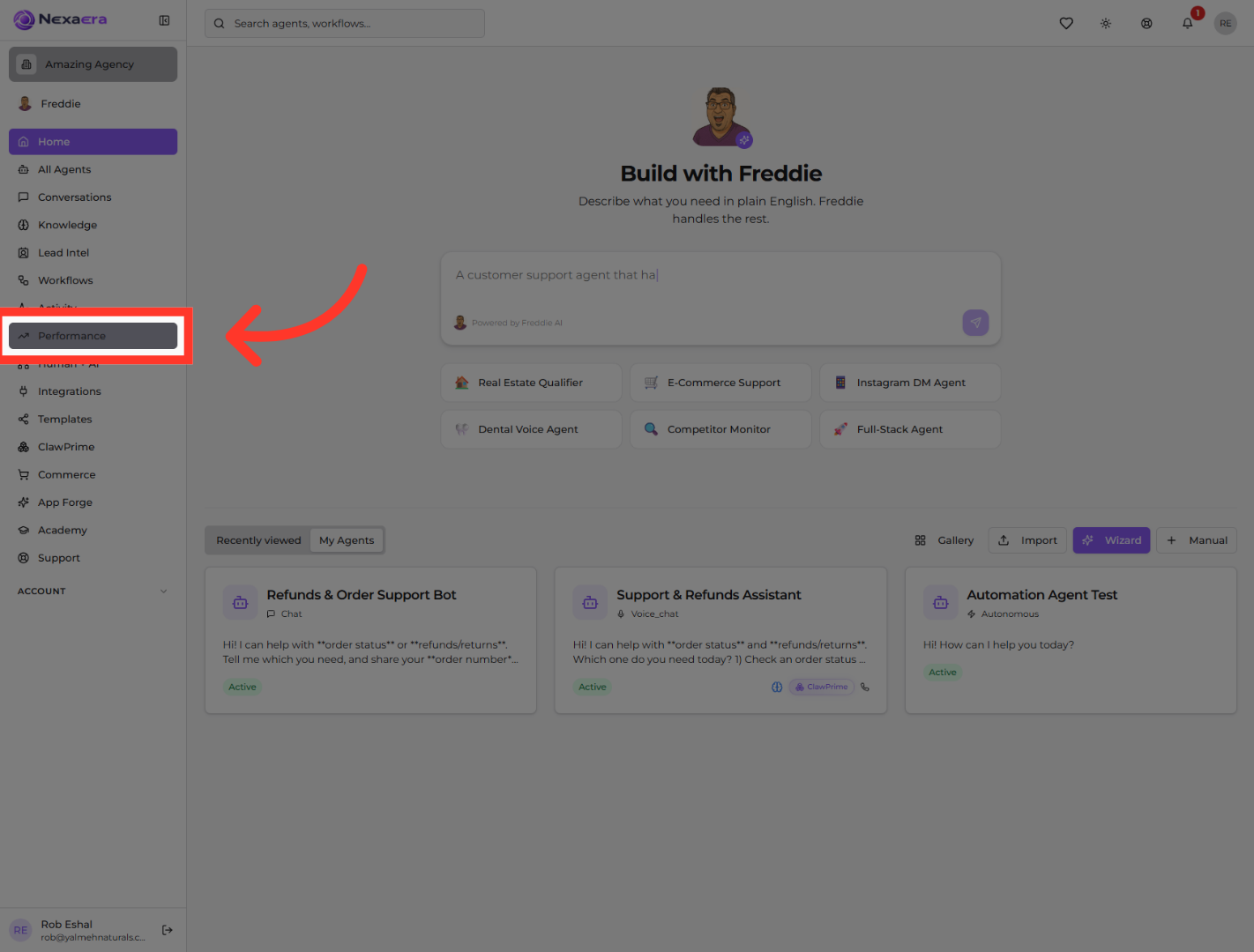
3. Open Scorecard Dashboard
You'll see three tabs at the top. Click "Scorecard." Unlike the Overview, which shows big-picture totals, this gives you individual performance metrics for every agent.
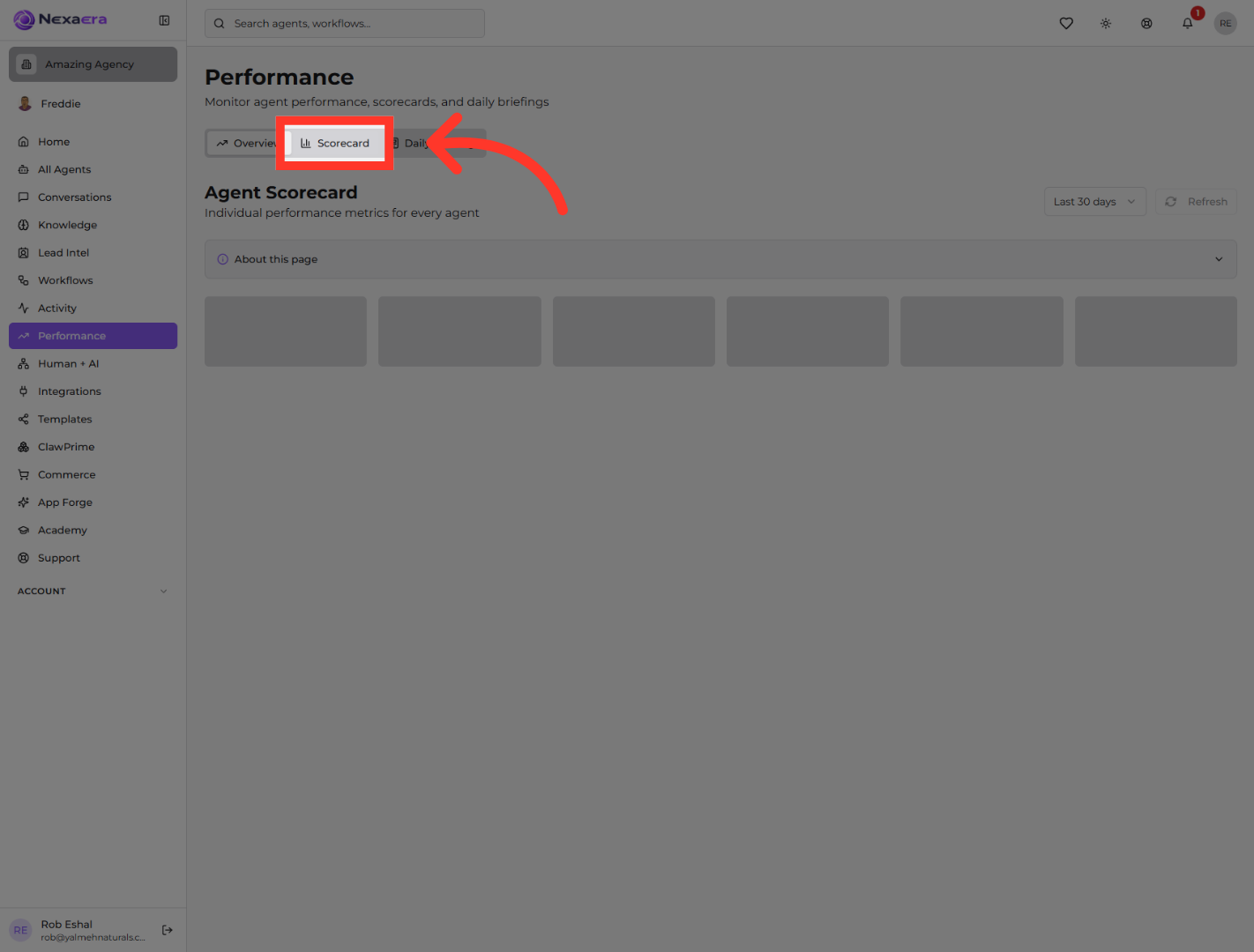
4. View Page Information
Up top, open "About this page" for a quick explainer. Right below it is your summary row — total tasks, success rate, average resolution time, cost per task, active agents, and total cost. It's your whole team at a glance.
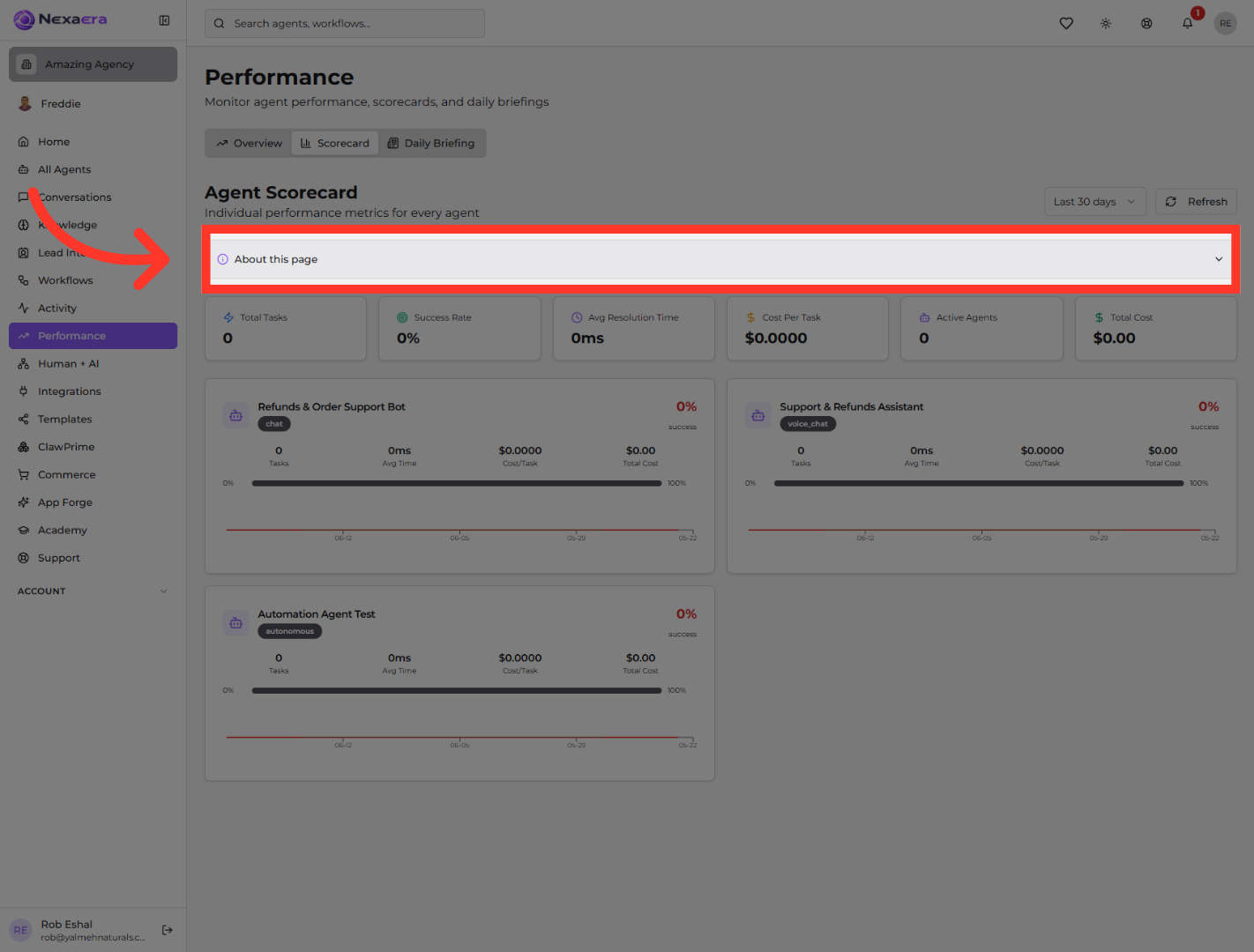
5. Select Date Range
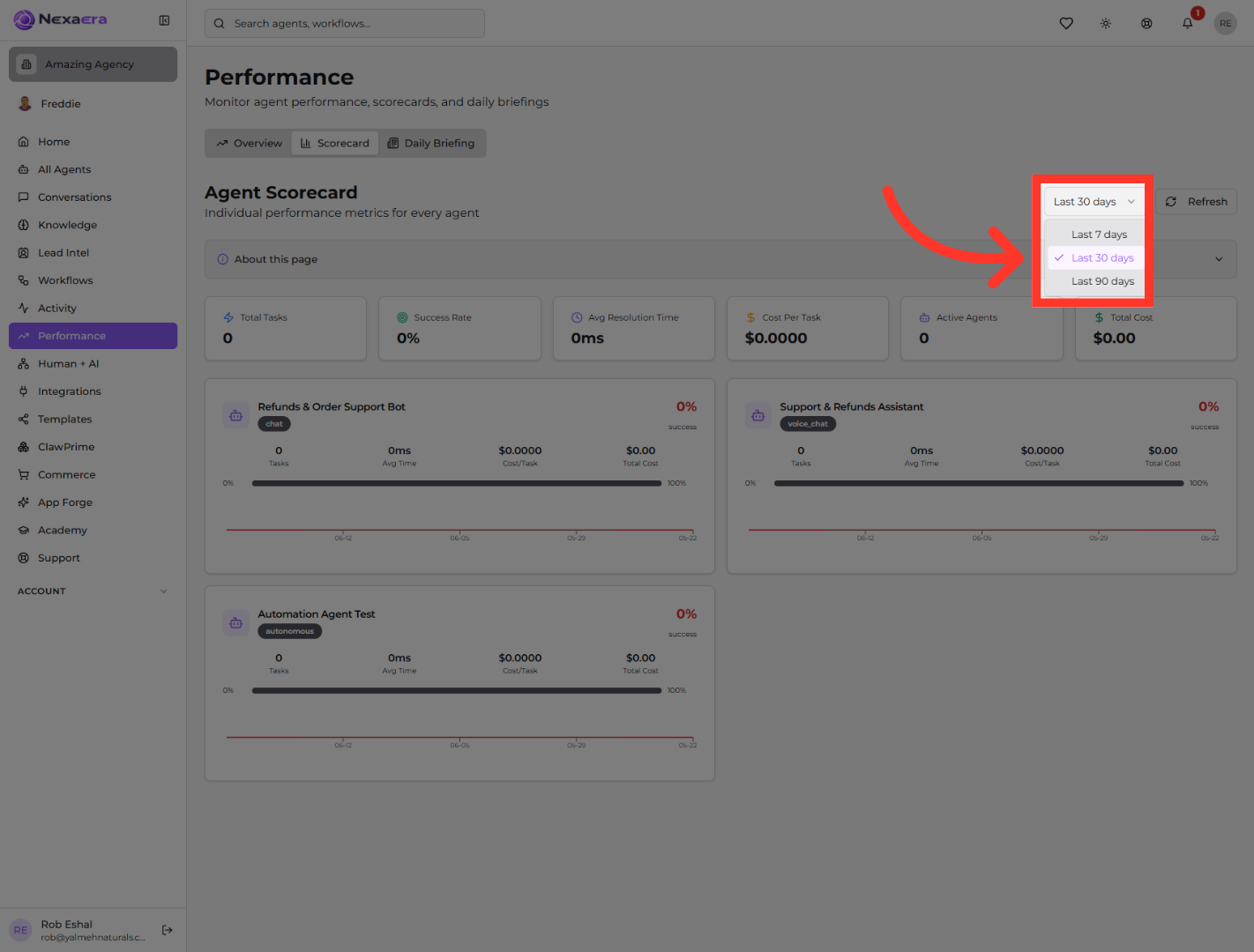
On the right, click the date dropdown. You can view the last seven, thirty, or ninety days. Pick the window you want to analyze.
6. Refresh Performance Data
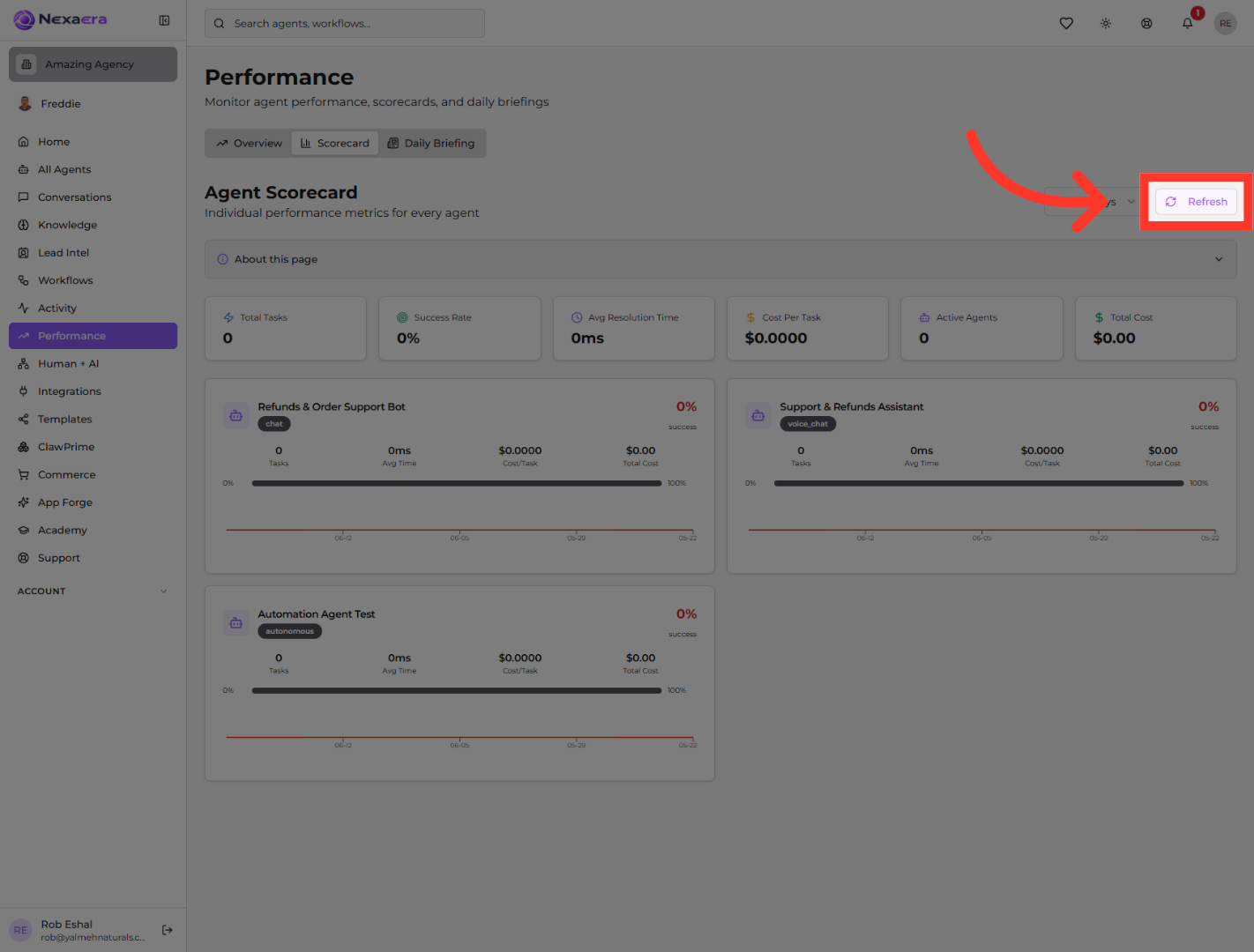
Right next to it is "Refresh." Click it anytime to pull in the very latest numbers, so you're always looking at current performance.
7. Access Individual Bot's Performance
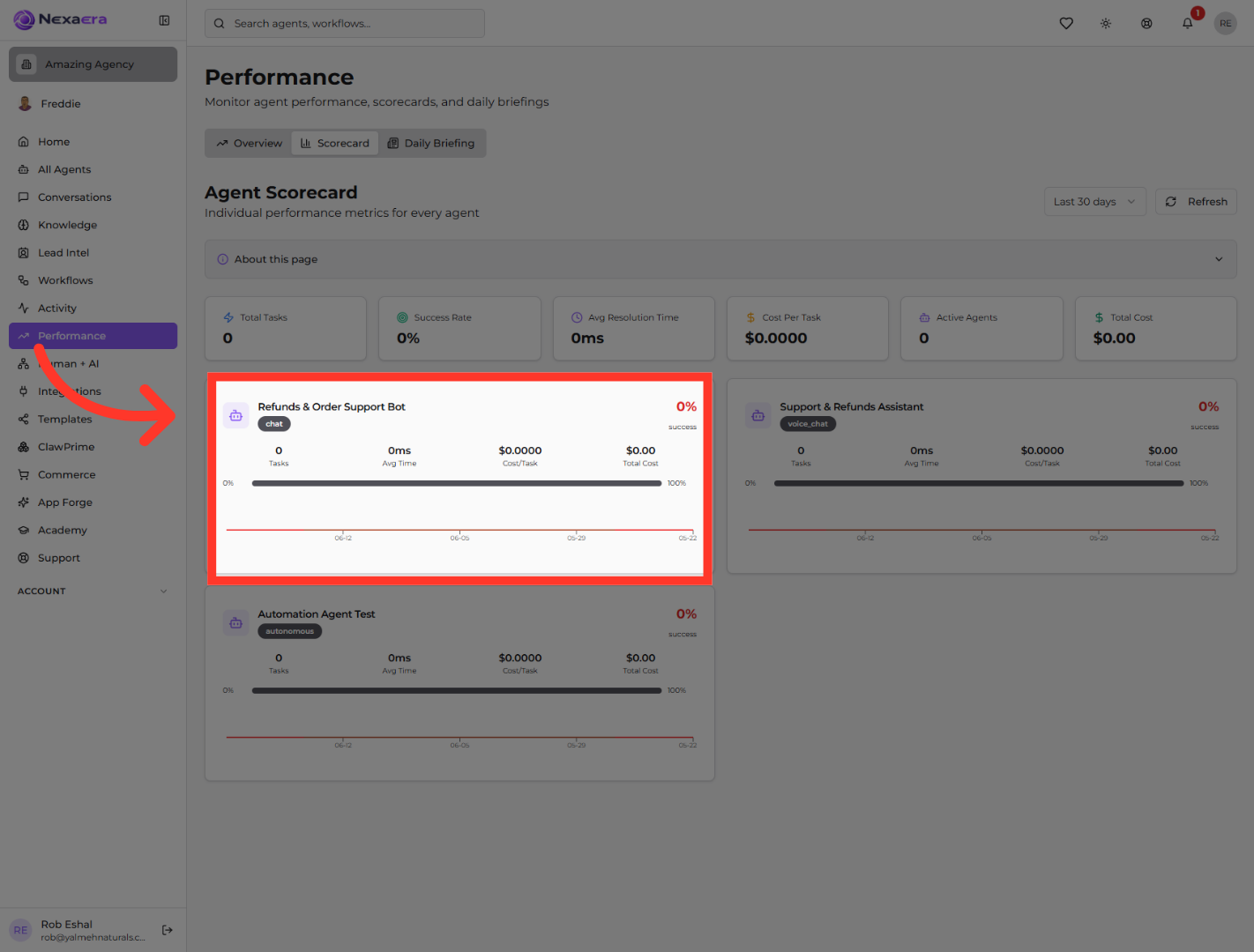
Below that, each agent gets its own card. Here's the "Refunds and Order Support Bot," showing its tasks, average time, cost per task, and success rate. Click a card to dig deeper.
8. Check Performance Matrix
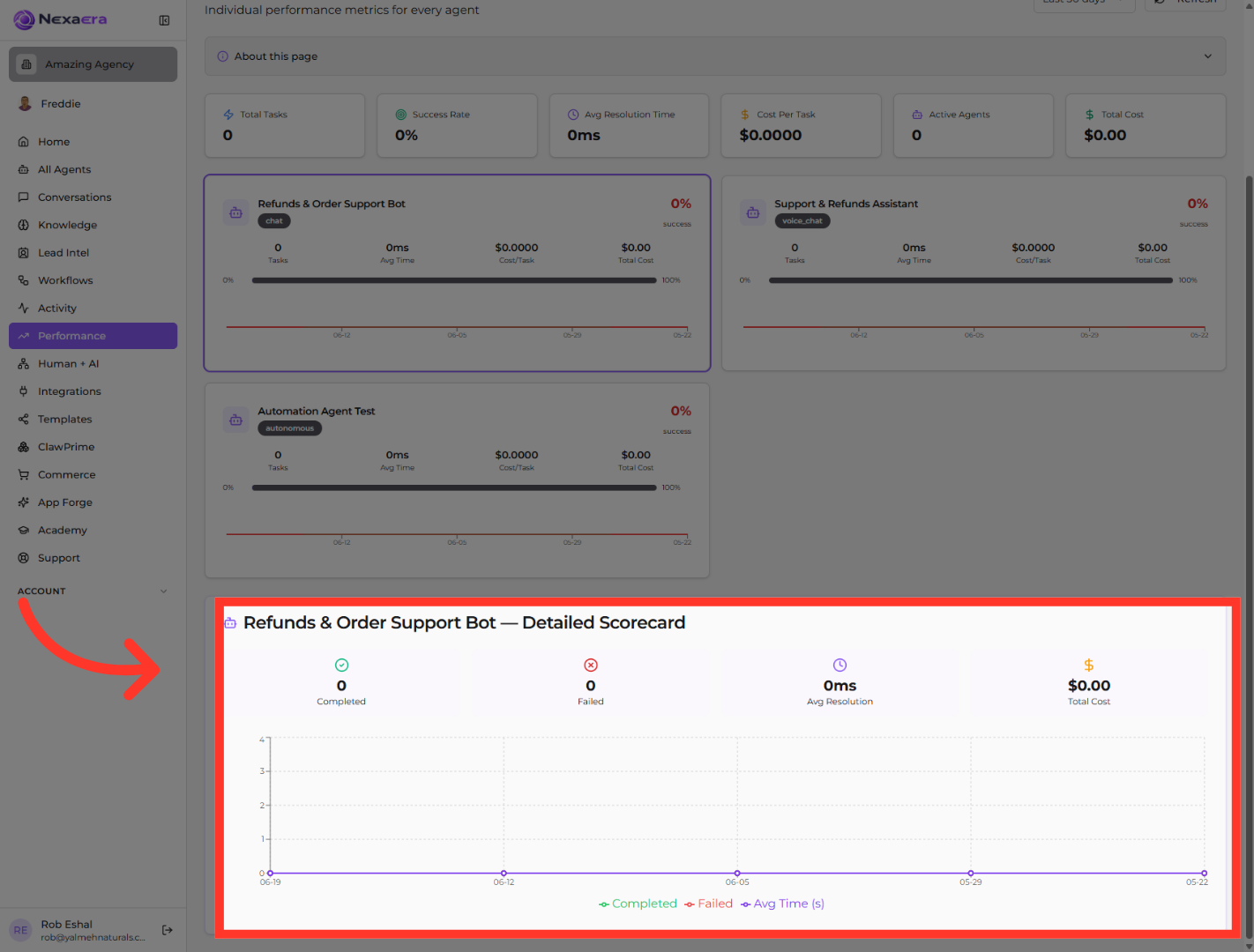
A detailed scorecard opens at the bottom. It breaks that agent down further — completed versus failed tasks, average resolution time, total cost, and a chart tracking it all over time. This is where you really diagnose performance.
And that's the Agent Scorecard. You can now compare every agent, filter by date, refresh on demand, and drill into any one for the full story. It's how you spot your stars — and coach the ones that need it. See you in the next one.
Still need help? Ask the team