Connect Google Drive Integration Within NexaEra Dashboard
By the end of this quick walkthrough, your Google Drive will be wired straight into NexaEra — so you can pull docs, sheets, and PDFs into your agent’s brain without downloading a single file. Here’s the thing: your AI agents are only as smart as what you train them on. Connecting Drive lets you feed them from files you already keep in Google — no manual uploads, no API keys, no busywork.
Written By Fred Yalmeh
Last updated About 2 months ago
Go to www.nexaera.com
1. Introduction
First, log in to NexaEra over at nexaera.com. You’ll land on your main dashboard — this is home base for everything you build. Here’s the plan: in the next couple of minutes, you’ll authorize Google access and switch on seamless file integration. Ready? Let’s dive in.
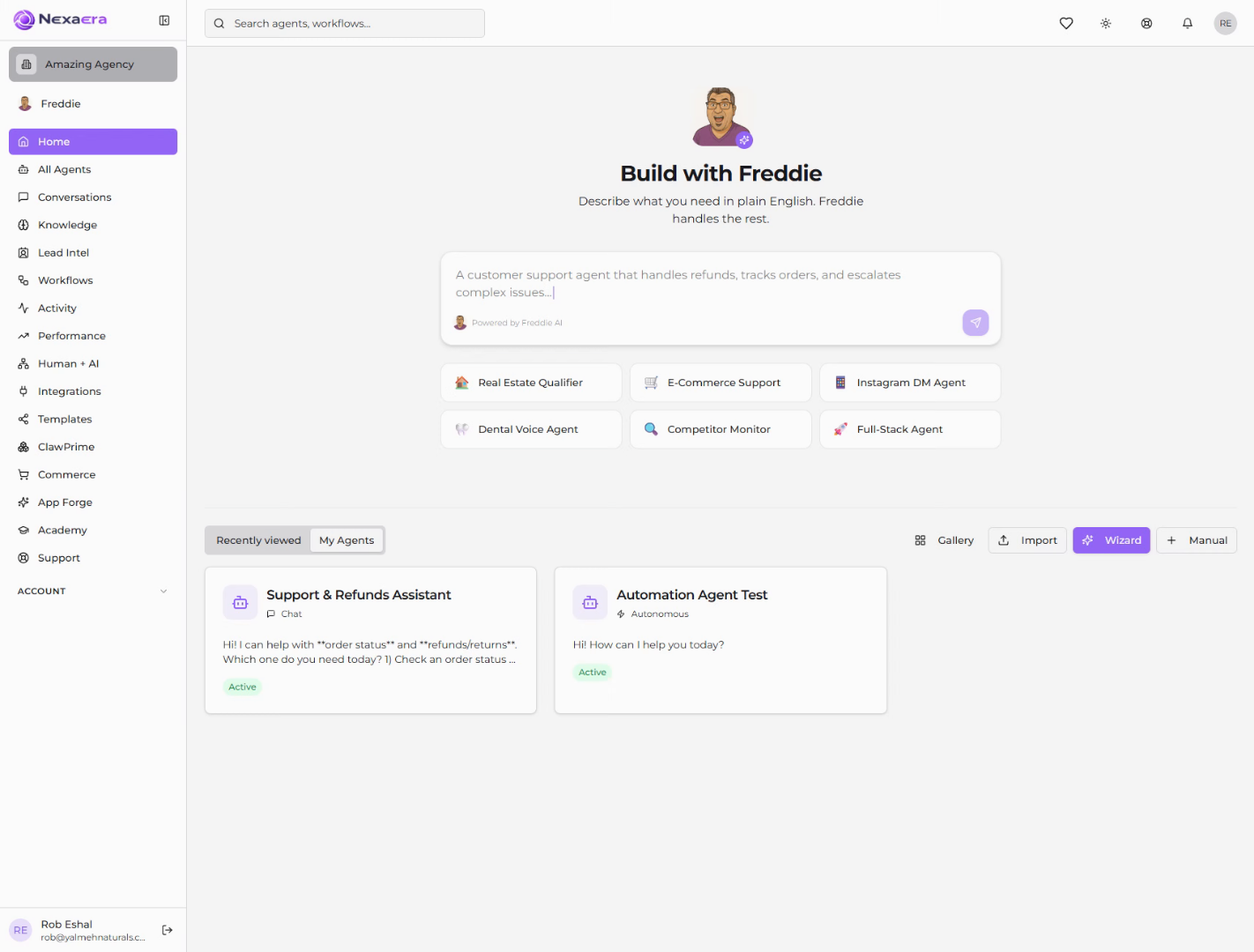
2. Access Knowledge Section
Look over at the left sidebar and find “Knowledge” — then click it. Think of this as your training hub. It’s where every agent you build gets its information.

3. Open Drive Tab
Now scroll down to the “Add New Training Data” section. You’ll see a row of tabs — Website, Files, Drive, and a few more. Go ahead and click “Drive.”

4. Initiate Google Drive Connection
Here’s where it comes together. Click “Connect Google Drive.” That opens a secure sign-in with Google — and don’t worry, nothing gets imported until you choose it.

5. Select Google Account
Google will ask which account to use. Pick the one where your files actually live, and just click it.

6. Continue Google Authentication
Google will confirm you’re signing back in to NexaEra. Give it a quick glance, then click “Continue.”

7. Allow Access Permission
Last step. Google asks you to approve access so NexaEra can see and download your Drive files. Click “Allow” — and you’re connected.

And that’s it — your Google Drive is now linked to NexaEra. From here, you can browse your Drive and pull documents right into your Knowledge Base to train your agents. No downloading, no re-uploading. Go ahead and import your first file, and watch your agent get smarter instantly.
Still need help? Ask the team