Access And Share Agent Templates In NexaEra
Built an agent you're proud of? You can share it as a template — for your own reuse, or for the whole community gallery. Let me show you where your shared templates live and how to share your first one.
Written By Fred Yalmeh
Last updated About 2 months ago
Go to nexaera.com
1. Introduction
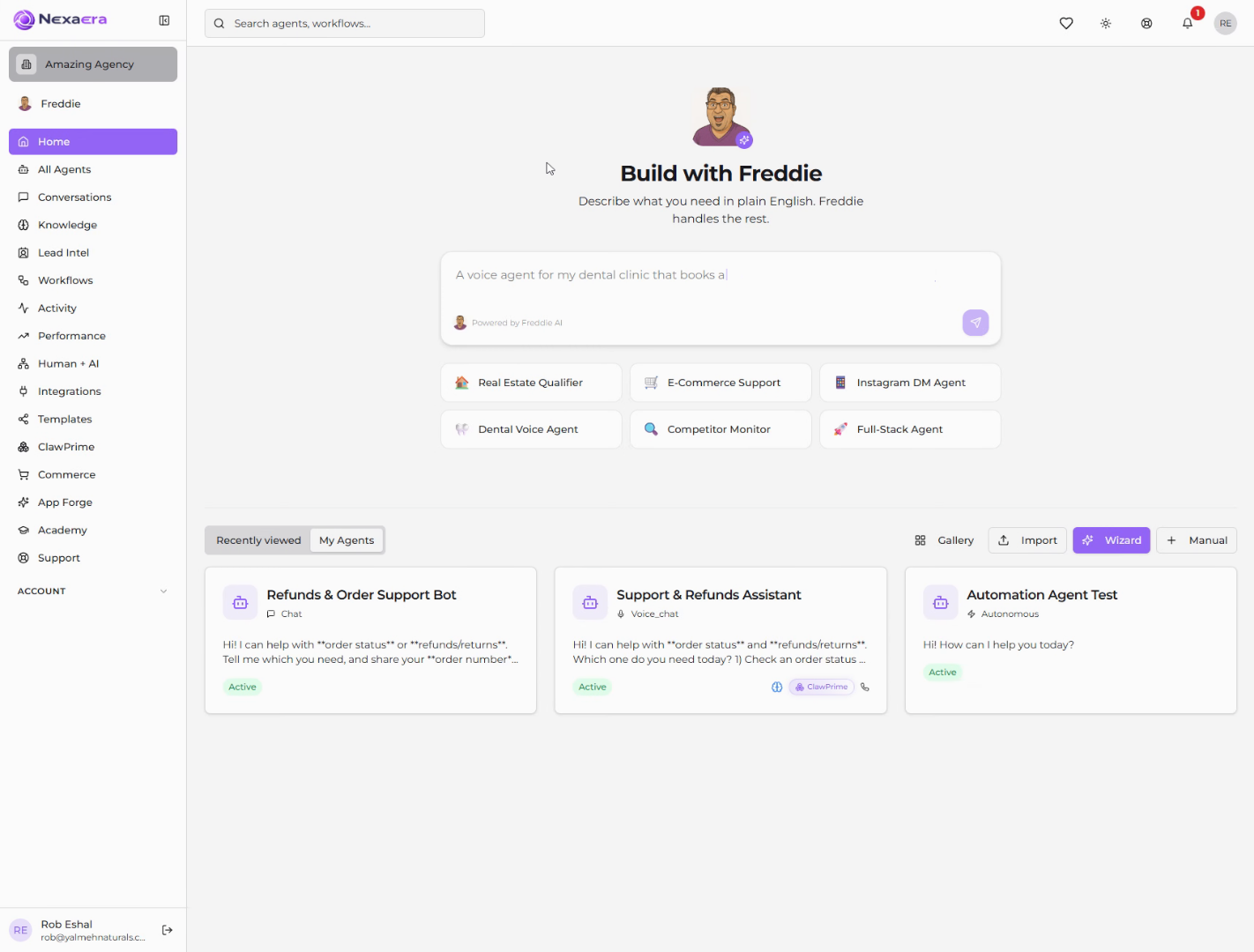
In this quick video, you'll find the Templates section and learn how to start sharing your very first agent template. It's a two-minute setup, tops.
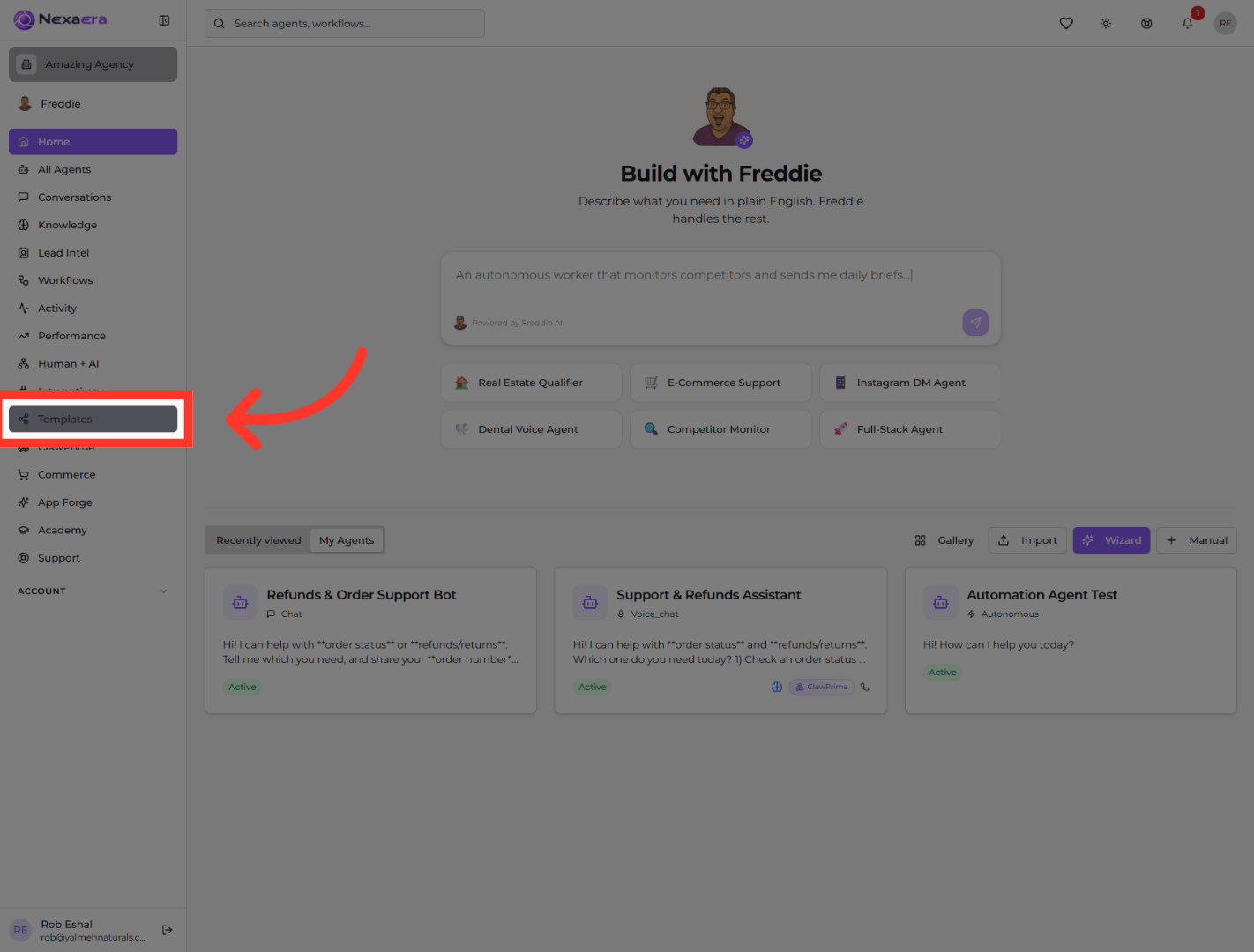
2. Open Templates Section
On the left sidebar, click "Templates." This is where you manage all of your shared agent templates and any gallery listings.
3. Share First Agent Template
Since you haven't shared any yet, you'll see an empty "My Shared Templates" page. To create one, click "Go to Agents." That's because templates are shared straight from an agent — you pick the agent you want to turn into a template.
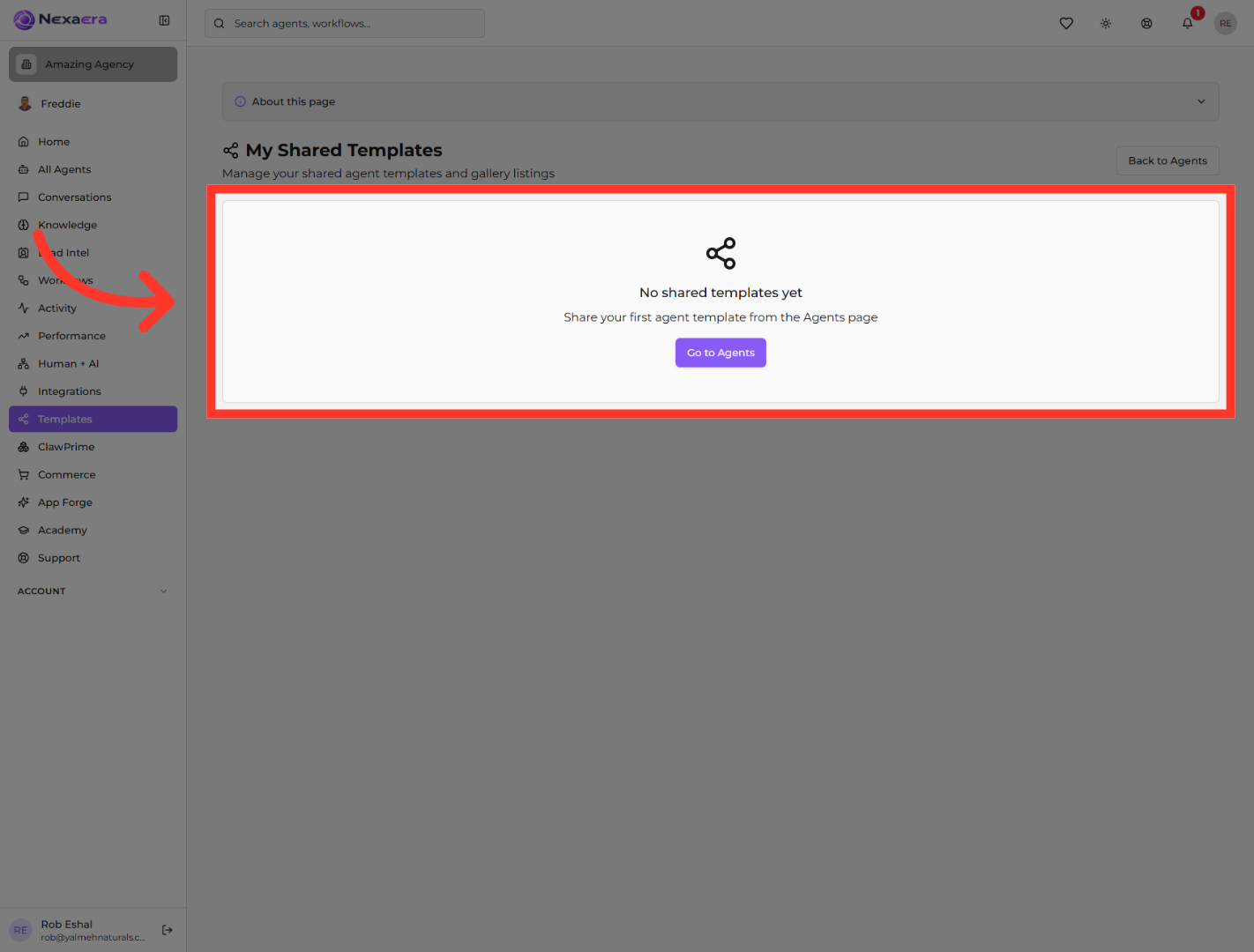
And that's how template sharing starts. You found your Shared Templates hub and jumped to the Agents page to pick your first one. From there, any agent you've built can become a reusable template in just a couple of clicks. See you in the next one.
Still need help? Ask the team