Navigate Commerce Orders And Review Details In NexaEra
This tutorial guides you through managing orders within the Nexaera Commerce dashboard.
Written By Fred Yalmeh
Last updated About 1 month ago
Go to nexaera.com
1. Introduction
In this walkthrough, you'll open your order history, search and filter it, and review the key details of each order — its status, amount, and evidence. Let's dive in.
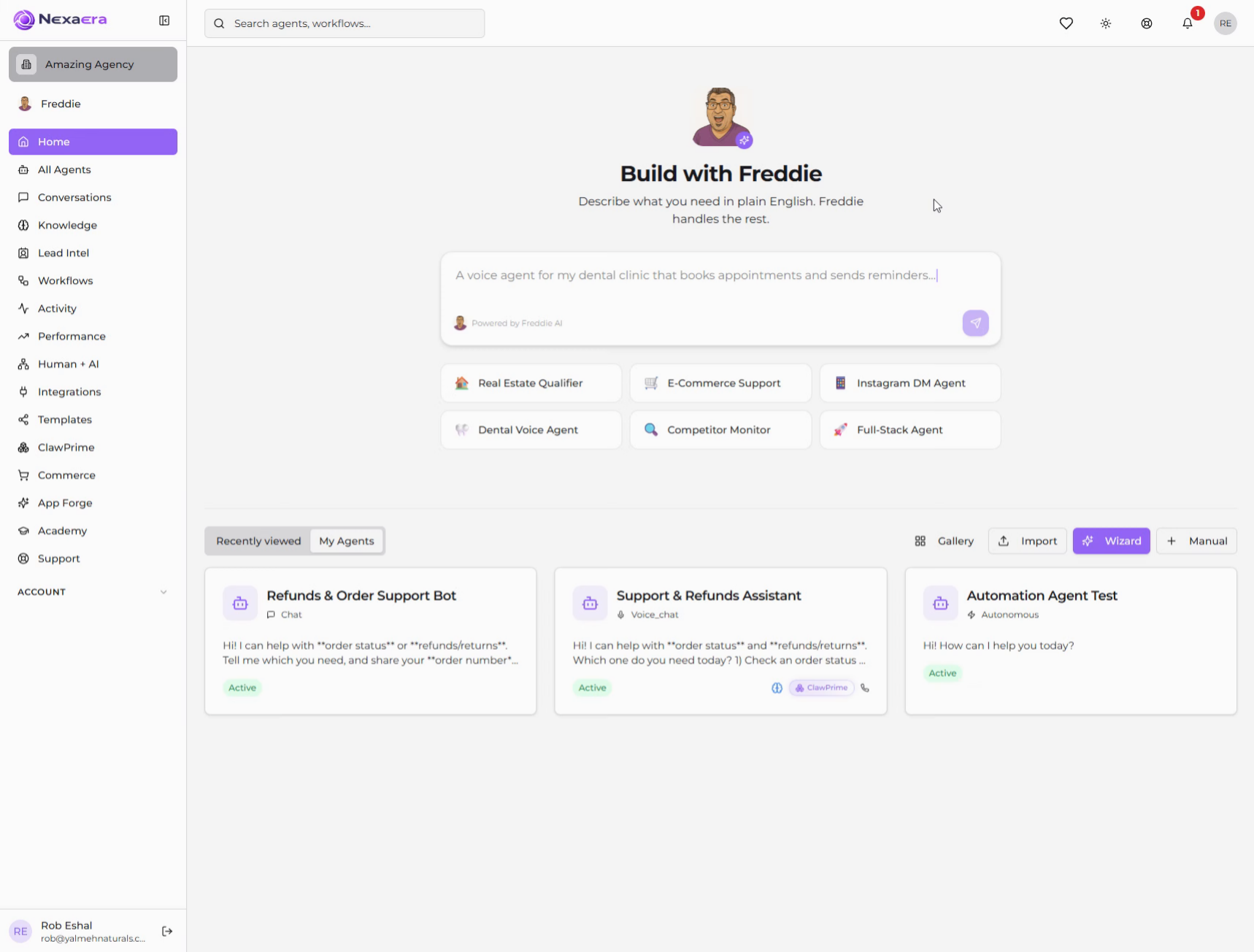
2. Access Commerce Section
On the left sidebar, click "Commerce." This opens your store management area.
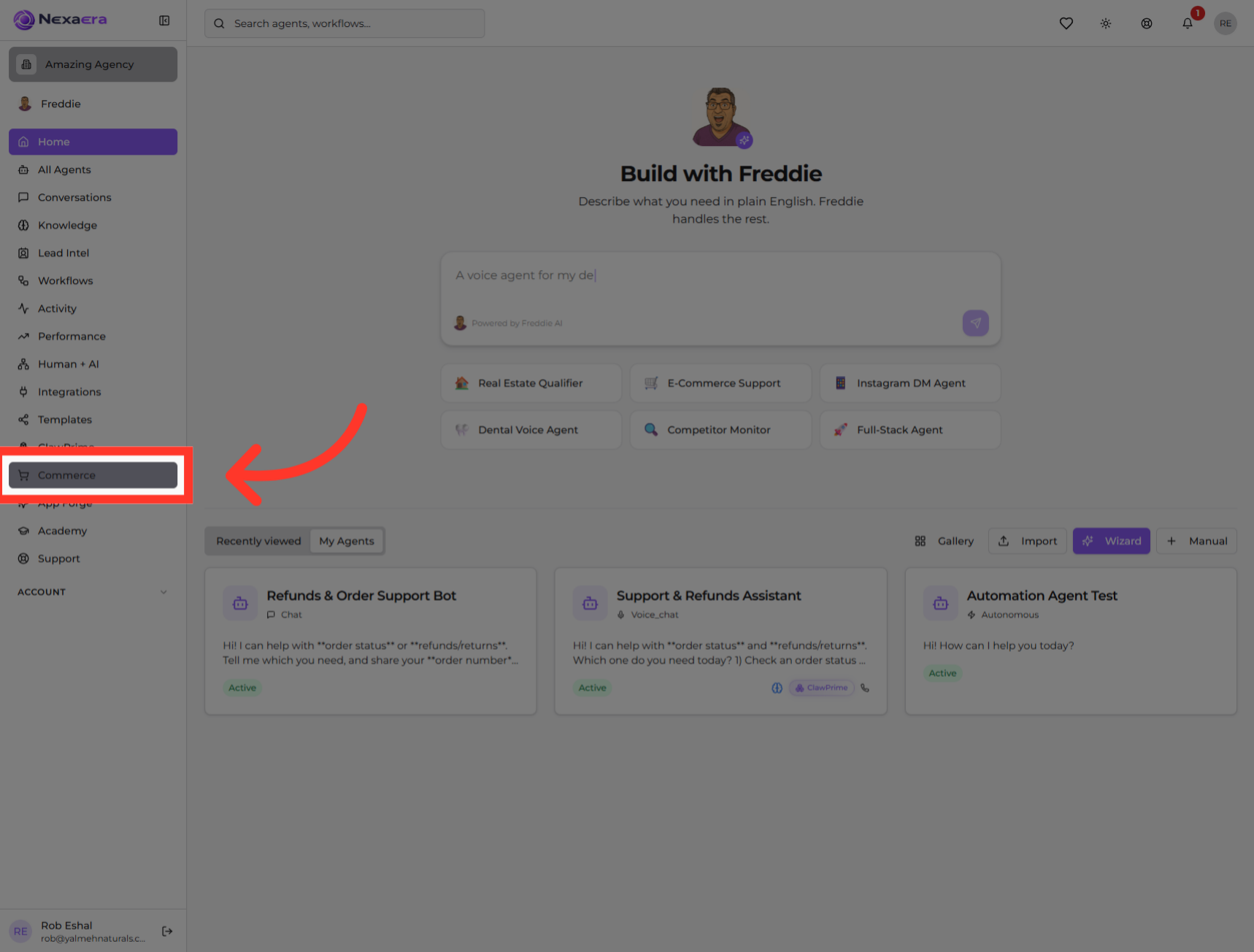
3. Navigate to Orders
Along the top, click the "Orders" tab. This is where every purchase made through your agents is listed.

4. View Order History
You're now looking at your Order History — a running log of every sale your agents have closed. Each row is one order, with its product, the agent, the date, and the amount.
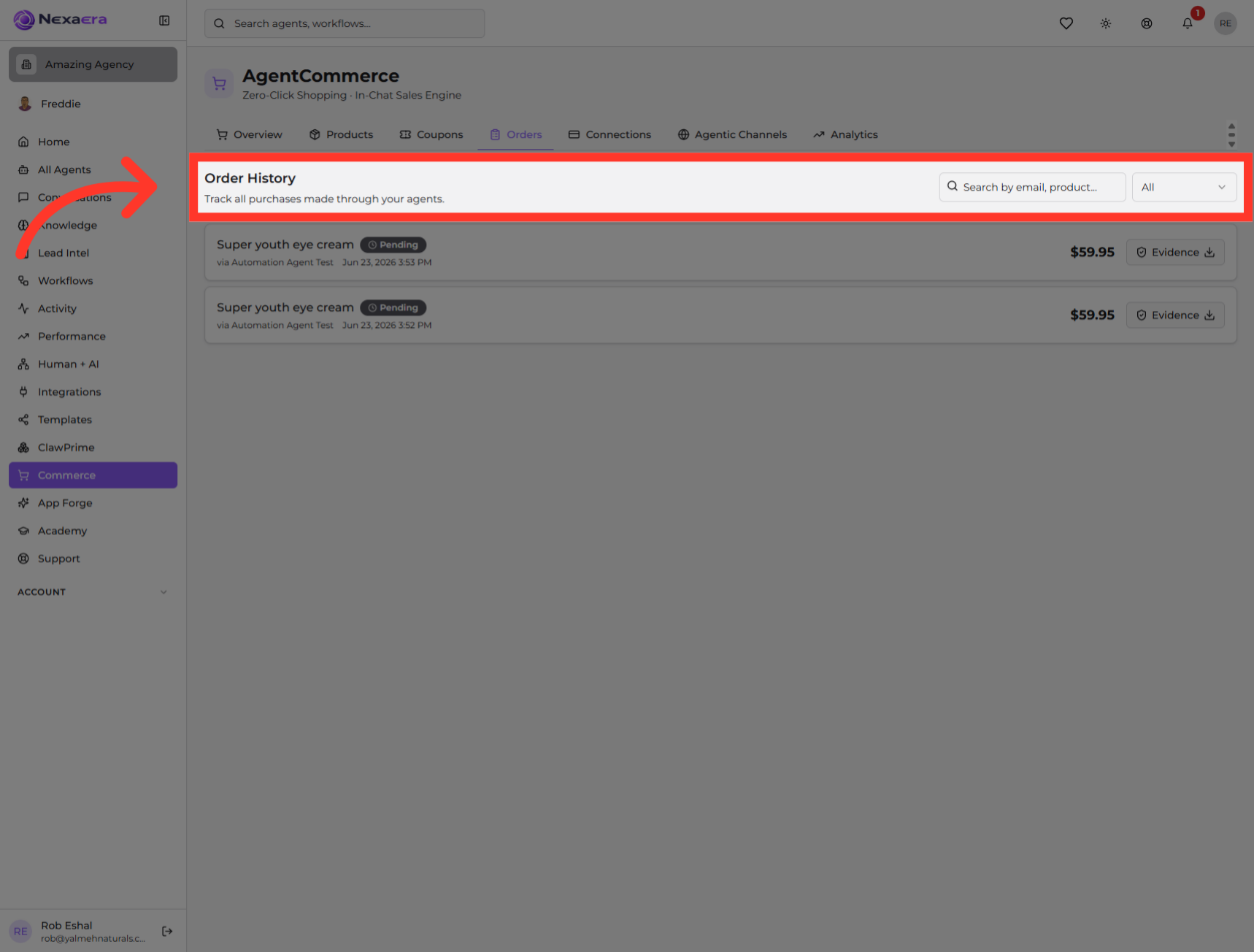
5. Use Search Function
To find something specific, click the search bar. You can filter by customer email, product, and more — handy once you've got a lot of orders.
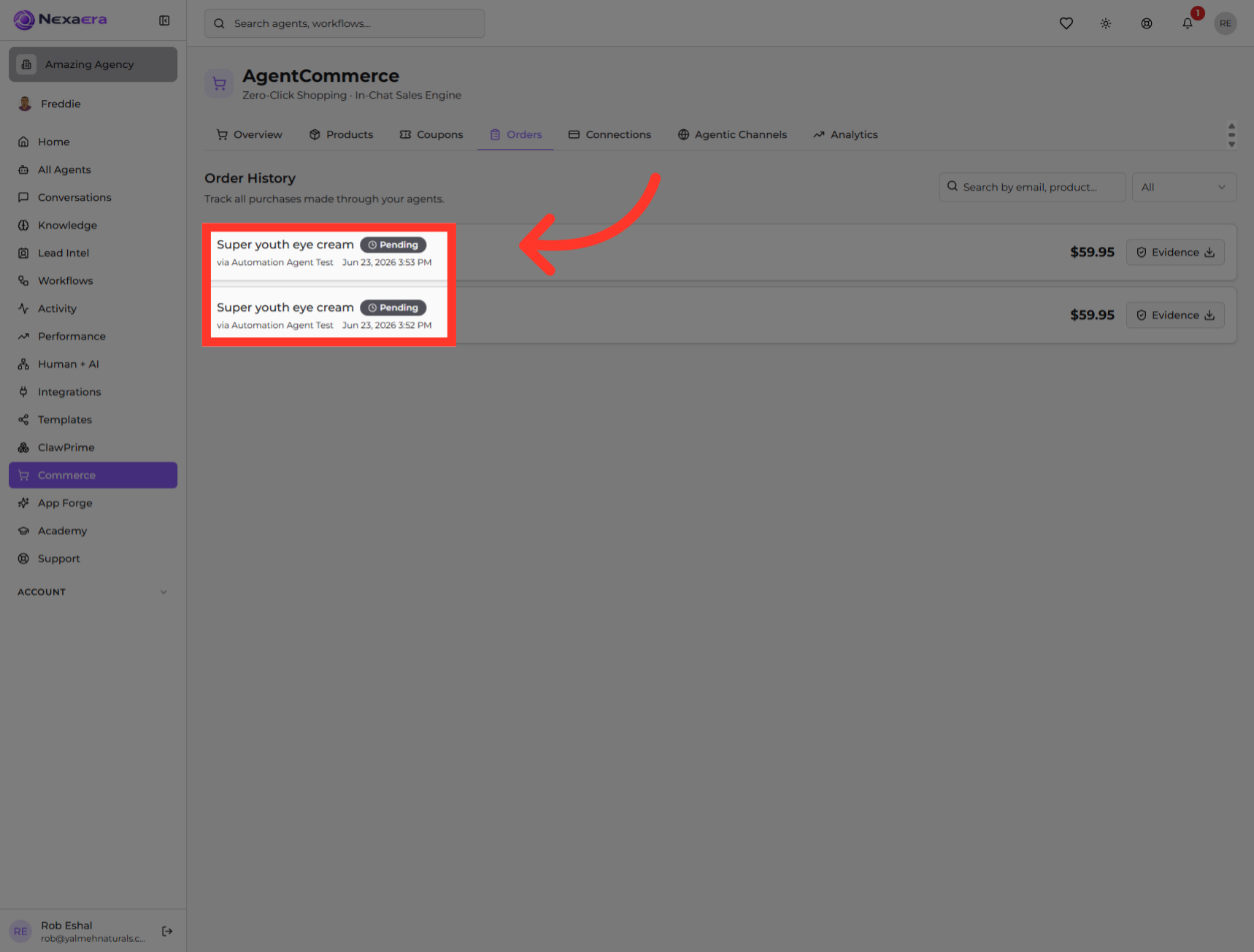
6. Your Orders
Here in the main list, every order shows up as its own row. At a glance, you can see the product that sold and which agent made the sale.
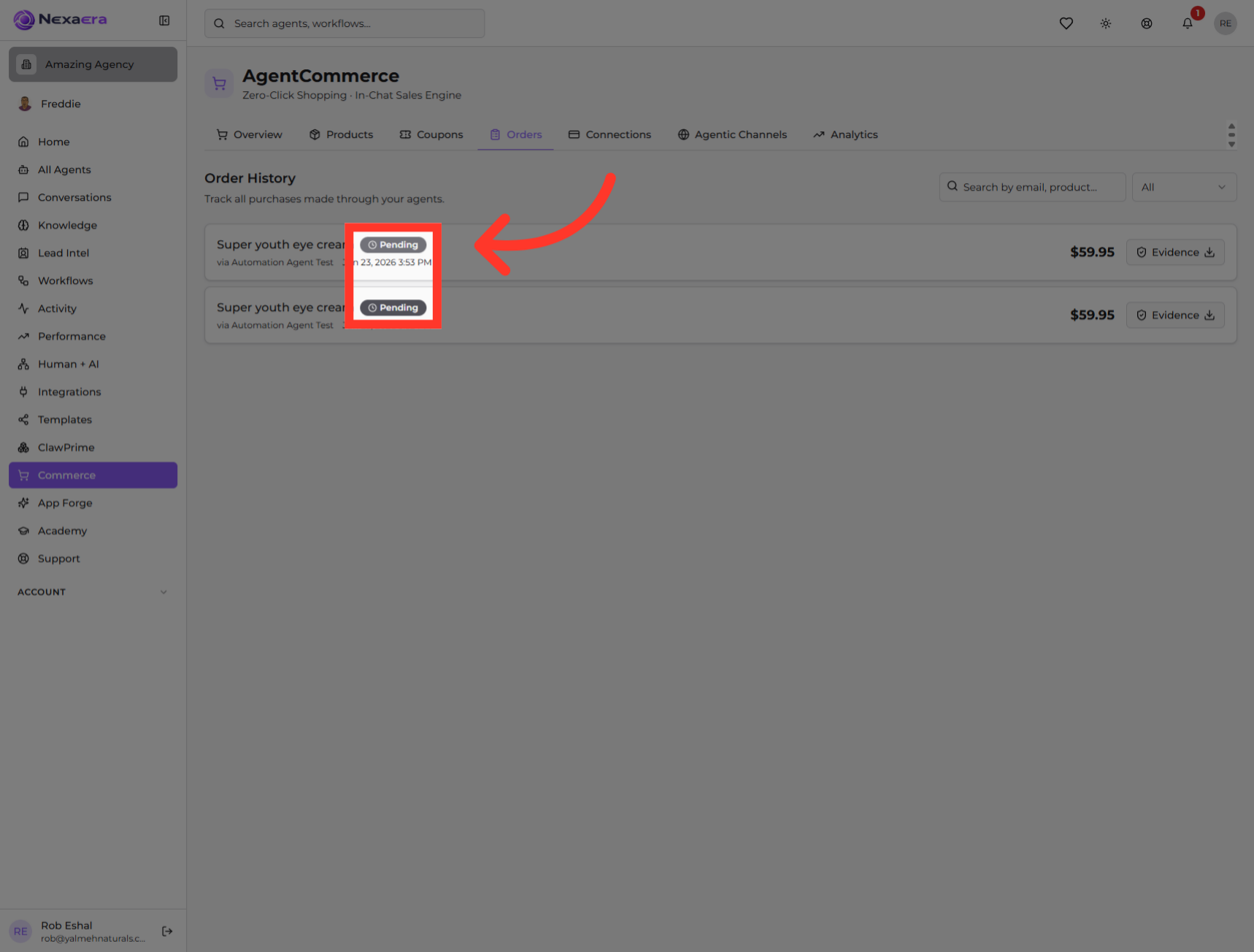
7. Check Order Status
Each order has a status badge — like "Pending." It tells you exactly where that order stands, so you know what still needs attention.
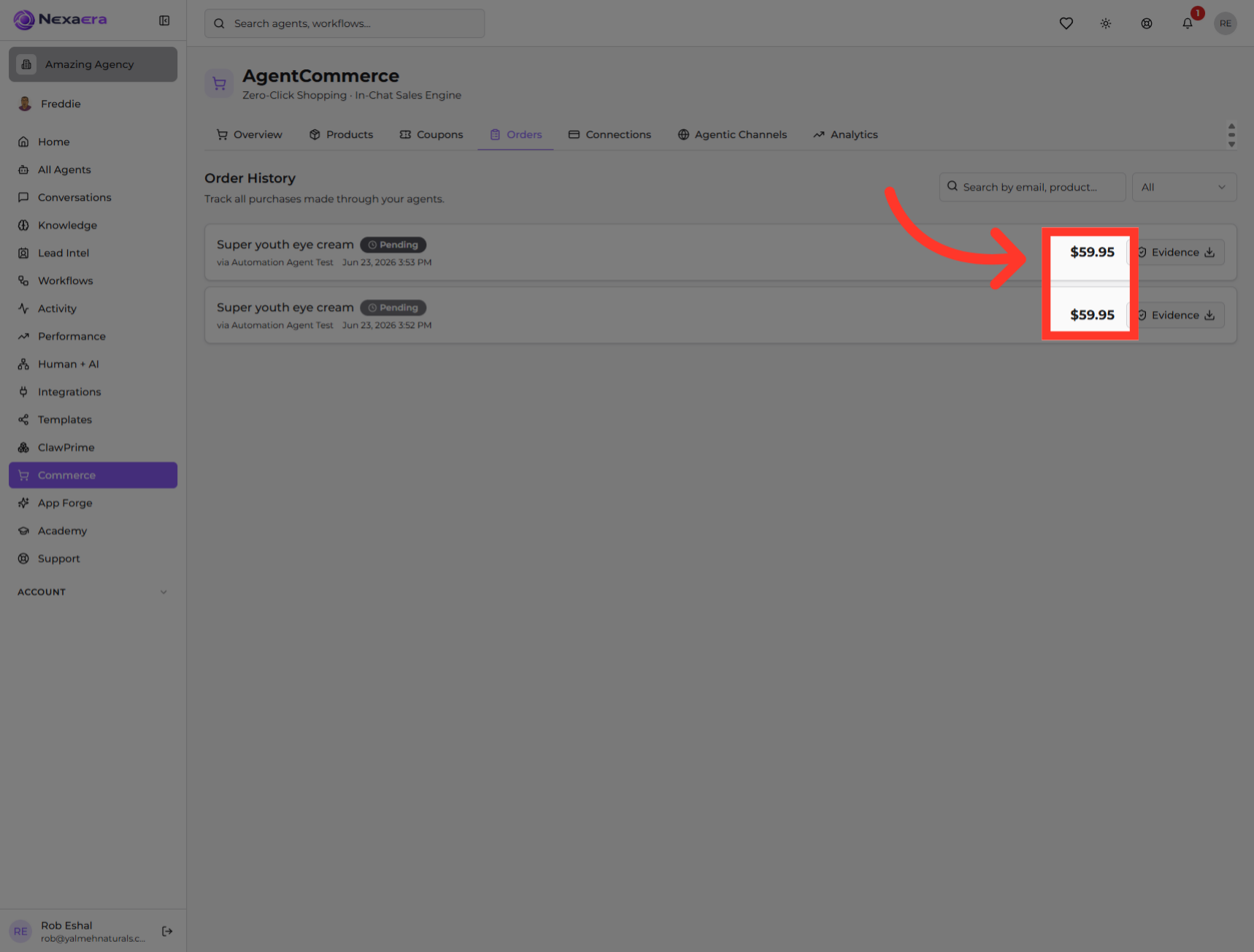
8. Order Amount
Over on the right, you'll see the amount for each order. It's a quick way to spot your bigger sales at a glance.
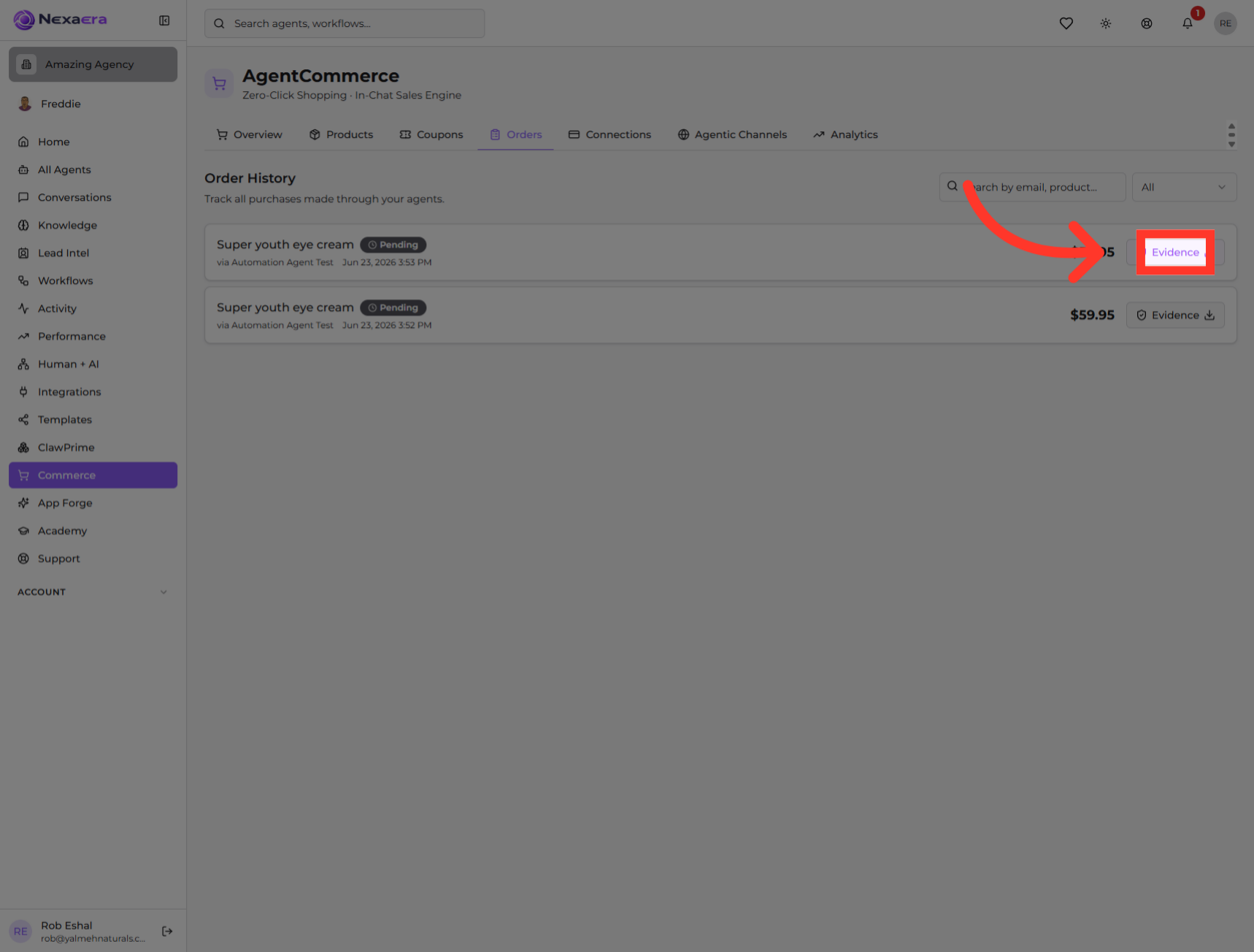
9. Access Order Evidence
For the full picture, click "Evidence." This pulls up the supporting proof behind the order — so you have a record of exactly what happened.
And that's your Order History. You can now find any order, check its status and amount, and pull up the evidence behind it. It's your command center for every sale your agents make. See you in the next one.
Still need help? Ask the team