Configure API Keys And Dashboards In Langfuse
Want to connect Langfuse to your own app or AI agent so you can trace and monitor every LLM call? You'll need a pair of API keys, and in about a minute and a half, I'll walk you through creating them. Quick context: Langfuse is an observability tool for AI apps — it shows you traces, costs, and performance. To send it your data, your app authenticates with a secret key and a public key. Let's log in and generate them.
Written By Fred Yalmeh
Last updated 27 days ago
Go to us.cloud.langfuse.com
1. Introduction
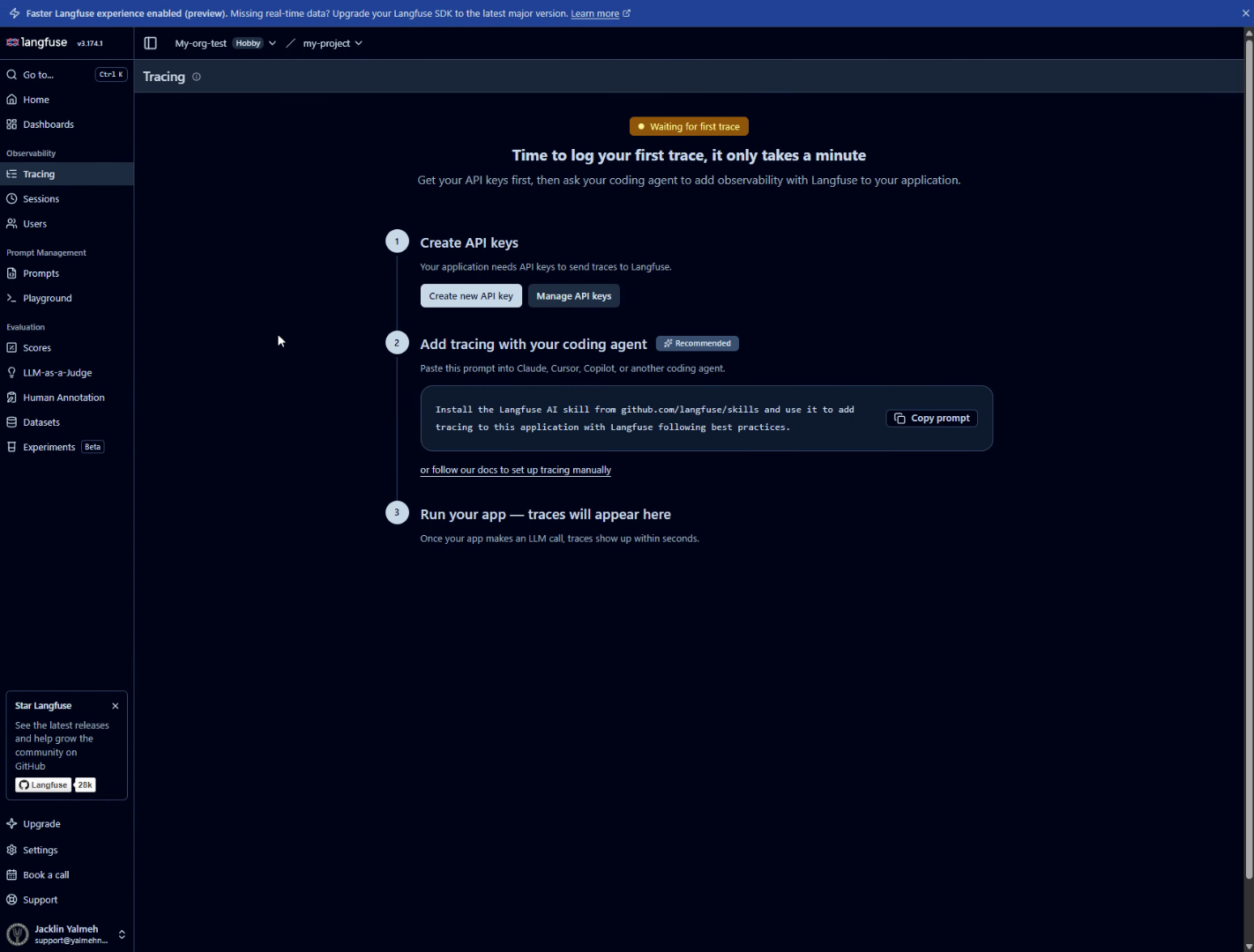
Start by signing in over at us.cloud.langfuse.com. Once you're in, make sure your project is selected up top, and you'll see your menu running down the left side.
2. Open Dashboards Tab
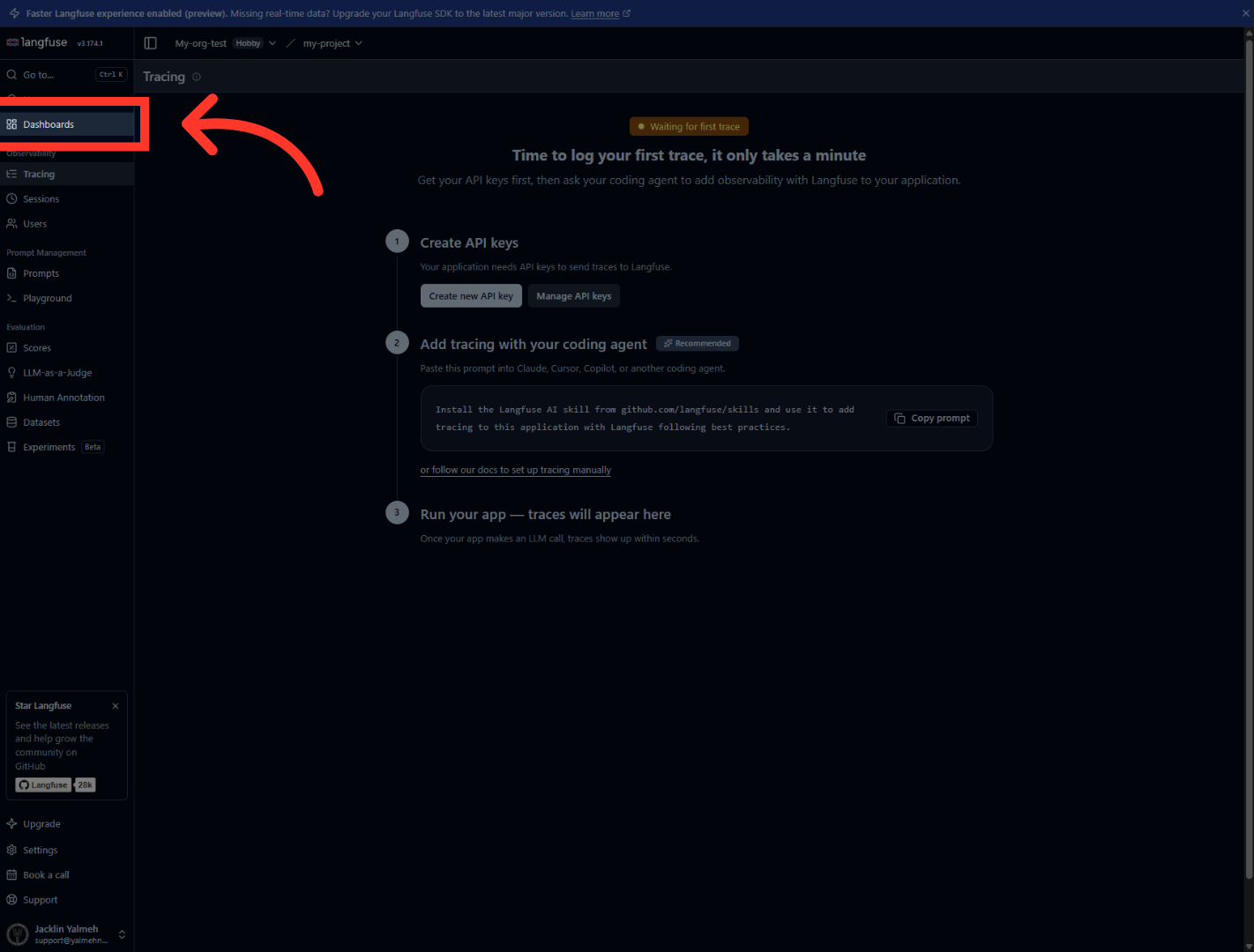
Before we make the keys, here's a quick tour. Clicking "Dashboards" in the sidebar shows you where your cost, latency, and usage charts will live once data starts flowing. It's worth knowing it's here, but you don't need it to create a key.
3. Return To Tracing Tab
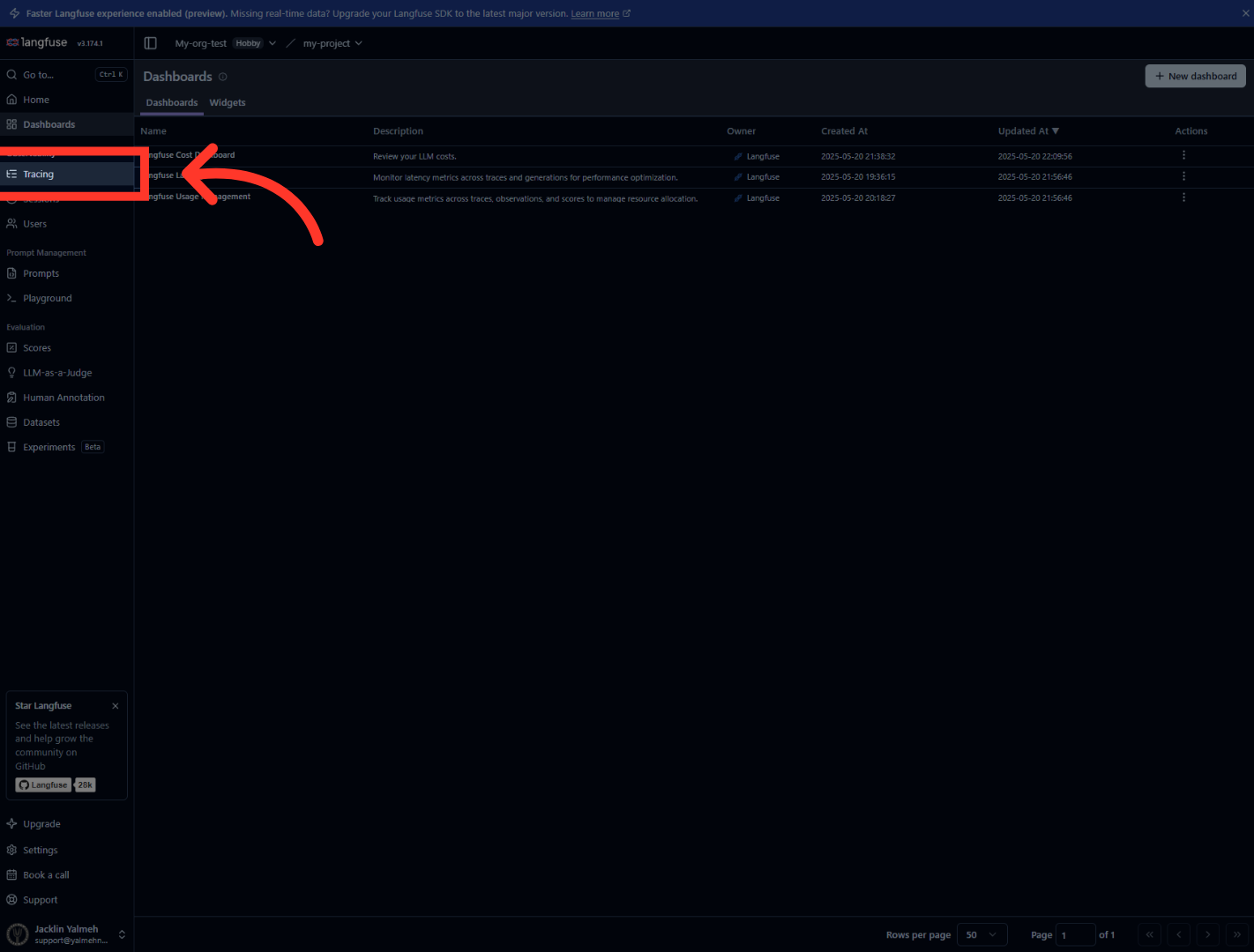
Now click "Tracing" to head back to the setup page. This is where the key creation actually happens, in the "Create API keys" section near the top.
4. Initiate API Key Creation
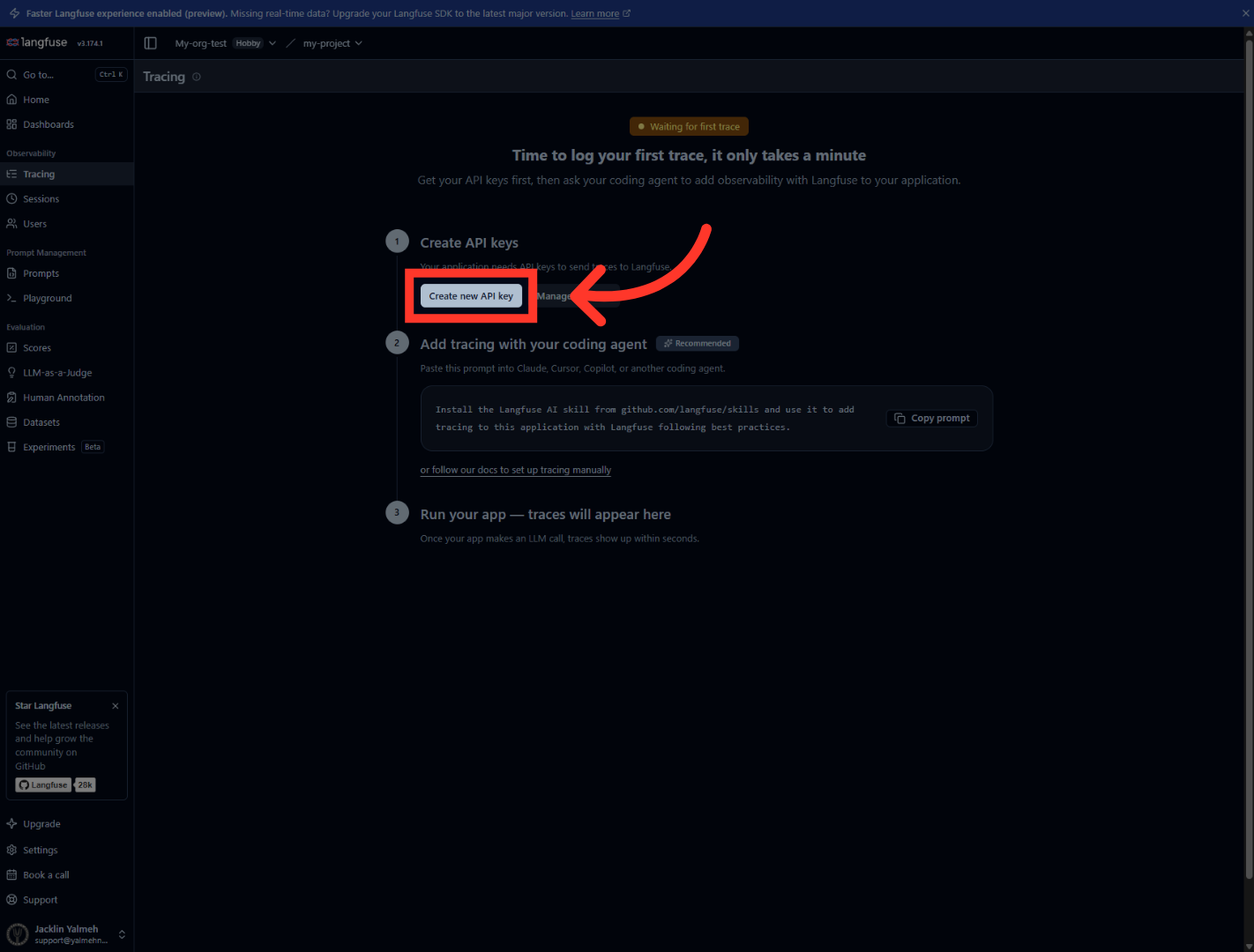
Under "Create API keys," click "Create new API key." Langfuse instantly generates a matching pair for you — a secret key and a public key — and shows them on screen.
5. Confirm API Key Creation
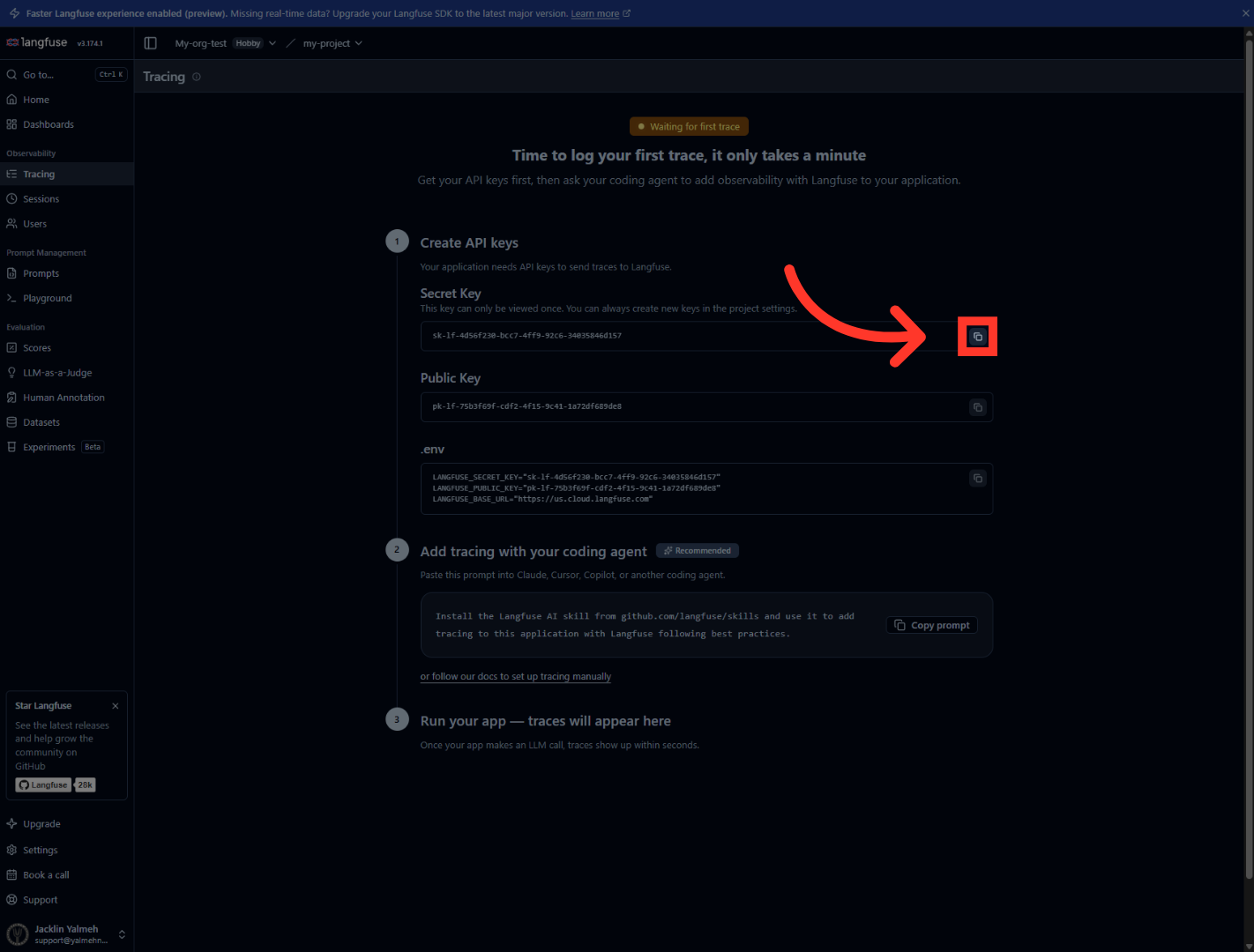
First, the Secret Key. Click its copy icon and paste it into your server-side config or secrets manager right away. This is the private half of the pair, and Langfuse will only show it to you this one time.
6. Finalize API Key Setup
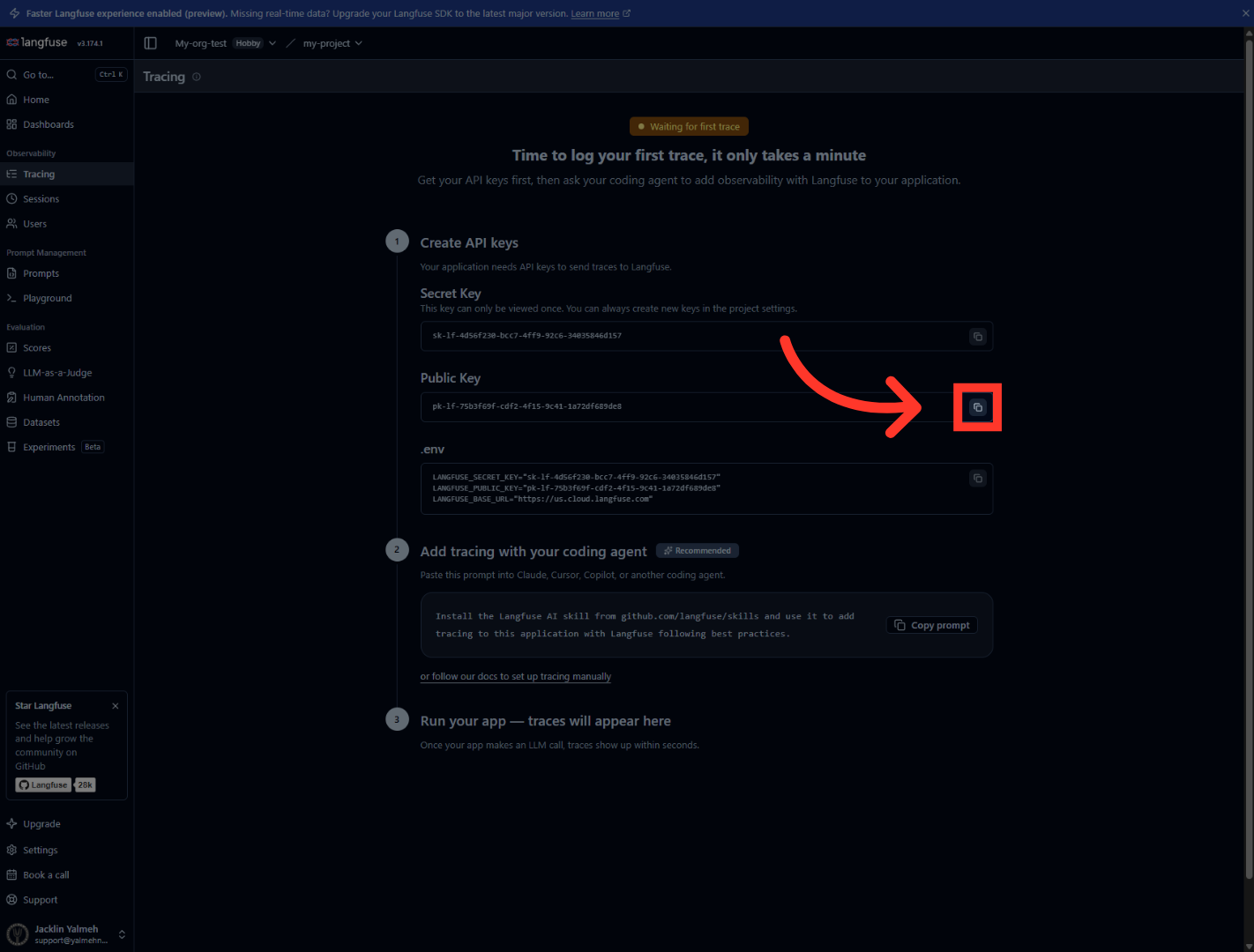
Next, copy the Public Key the same way. This one's safe to expose and pairs with the secret to identify your project. Your app needs both. If you're working in code, Langfuse even gives you a ready-made env block right below, with both keys and your host already filled in.
And that's it. You've created your Langfuse API key pair, copied your secret and public keys, and you know where your dashboards live. You're now ready to wire up tracing and start watching your AI app's performance in real time. Thanks for watching, and I'll catch you in the next one.
Still need help? Ask the team